Getting Started
Prerequisites
A prepared Lerobot SO101 leader + follower kit with calibration files. Follow the setup guide to prepare the hardware and Python environment.
A built ROS 2 workspace with
so101_ros2and its dependencies installed. Follow the build instructions to set up the workspace.
Bridge configuration
Update the leader and follower parameter files in
so101_ros2_bridge/config so they reference the detected USB ports,
calibration directory, and Lerobot identifiers:
so101_ros2_bridge/config/so101_leader_params.yaml
so101_ros2_bridge/config/so101_follower_params.yaml
For example, the follower configuration may look like this:
so101_follower_ros2_bridge:
  ros__parameters:
    port: <your follower robot USB port>
    id: <your follower robot ID>
    calibration_dir: "/abs/path/to/calibration"  # Optional. If omitted, falls back to config/calibration/
    use_degrees: true
    max_relative_target: 10
    disable_torque_on_disconnect: true
    publish_rate: 30.0
Each file exposes the port, id and publish_rate fields that the
Python bridge nodes consume. The follower configuration also provides
max_relative_target and disable_torque_on_disconnect to bound the
commands sent to the hardware. Set calibration_dir to the location where you
stored the JSON calibration files generated during the Lerobot setup.
Camera configuration
Camera launch parameters live in so101_bringup/config/so101_cameras.yaml. The
file lists the cameras to start, their namespaces, and the specific parameter
files to load. For example:
cameras:
  - name: cam_front
    camera_type: usb_camera
    param_path: so101_usb_cam.yaml
    namespace: follower
The referenced USB camera configuration declares the per-device settings, including specific parameters and shared parameters across all cameras (of the camera_type). For example:
# so101_usb_cam.yaml
## Shared parameters for all USB cameras
/**:
ros__parameters:
   framerate: 30.0
   io_method: "mmap"
   pixel_format: "mjpeg2rgb"
   av_device_format: "YUV422P"
   image_width: 640
   image_height: 480
   # Other shared parameters can be added here

## Per-camera parameters under
#/<namespace>/<name>
/follower/cam_front:
  ros__parameters:
    video_device: "<your camera device path, e.g. /dev/video4>"
    frame_id: "cam_front"
    camera_name: "cam_front"
    camera_info_url: "package://usb_cam/config/camera_info.yaml"
Launch the system
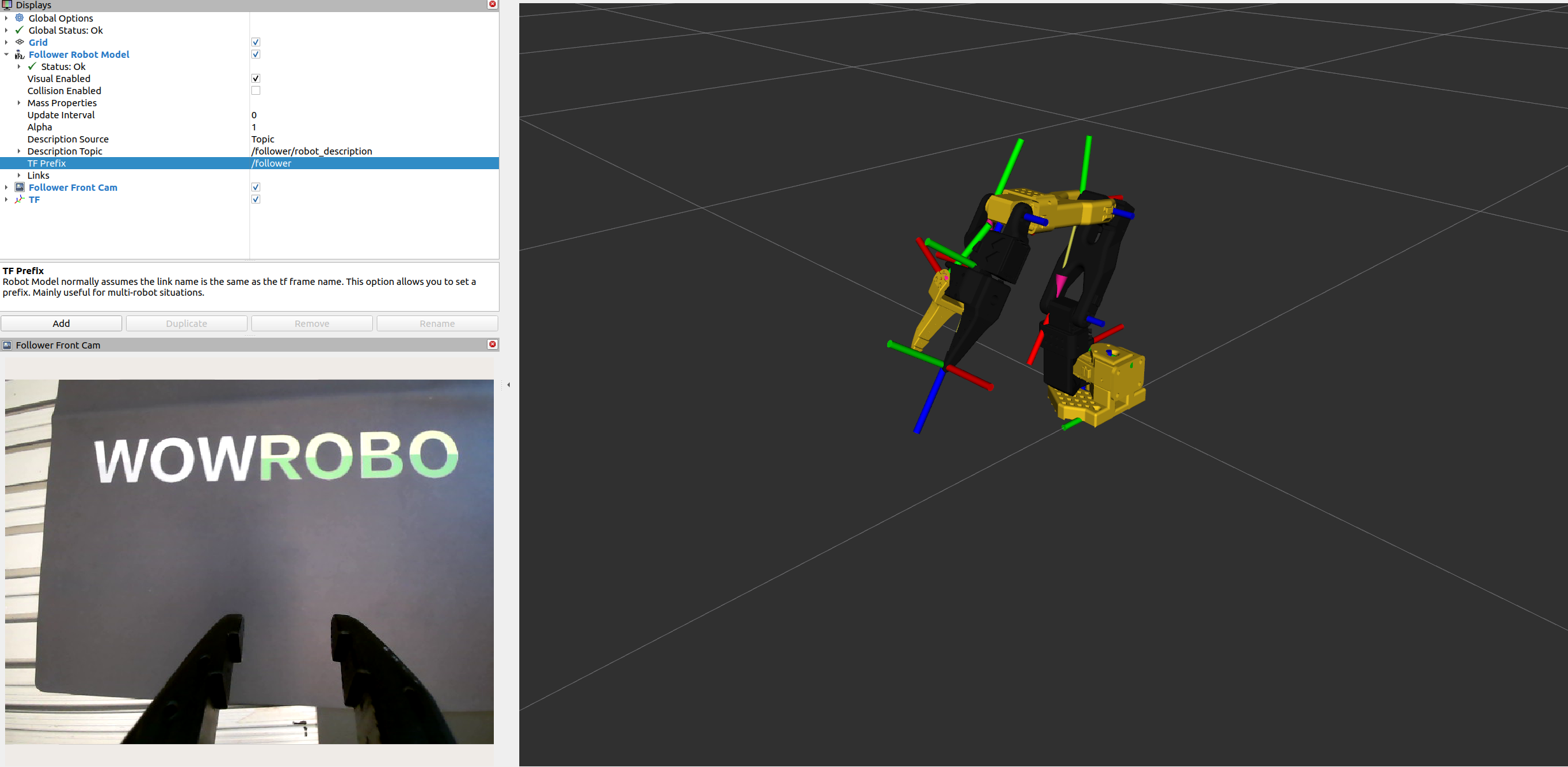
Source the workspace and launch the teleoperation pipeline with cameras and RViz enabled:
ros2 launch so101_bringup so101_robot_with_cameras.launch.py display:=true
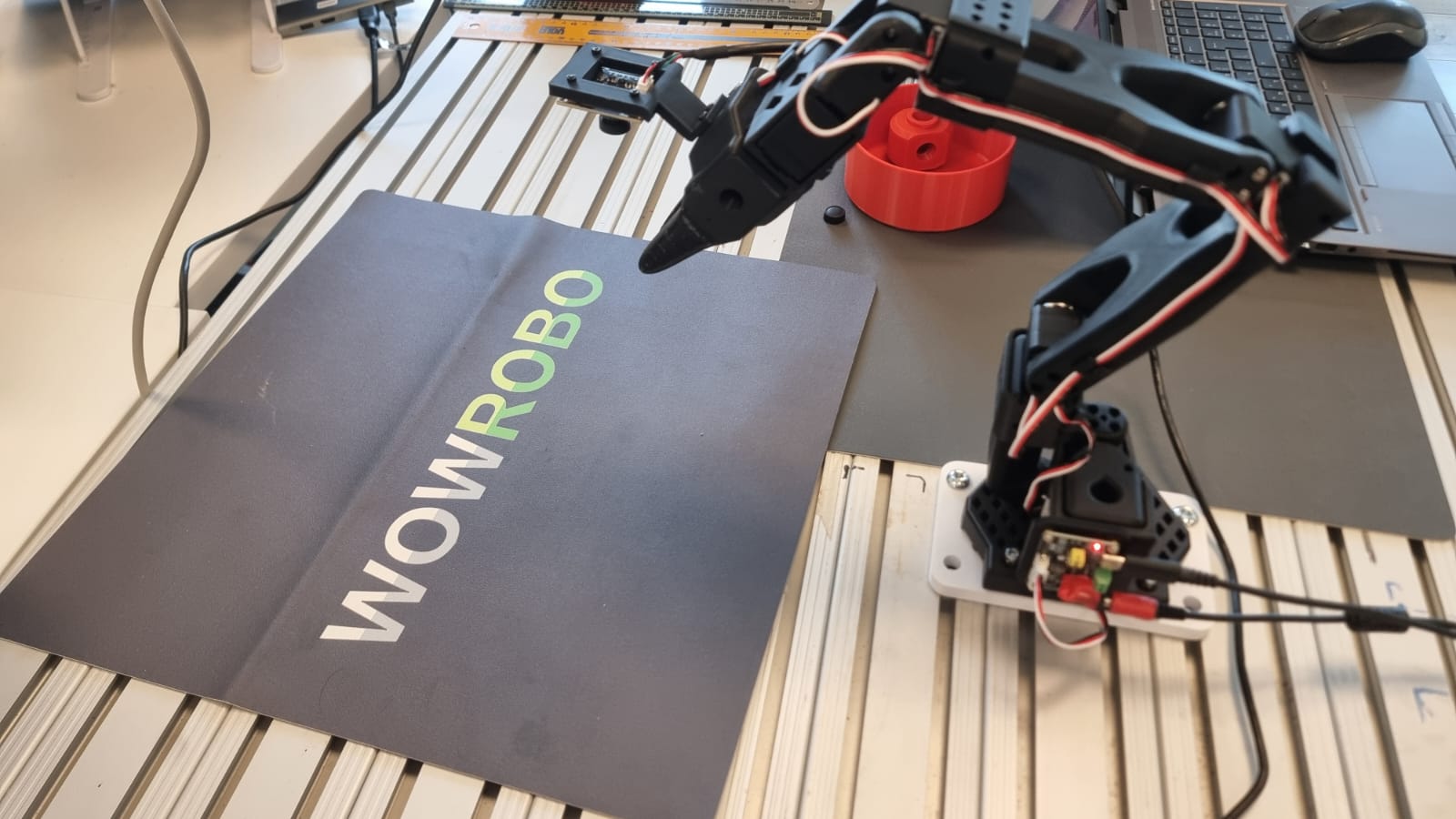
Manipulate the follower arm to verify that the robot model in RViz follows the real hardware and that the camera streams are visible.